
A couple of years back I got fed up with email (as I perpetually do in waves throughout my life) and decided to try something other than Google Workspace / paid GMail. 37signals had just released hey.com for domains so I could bring my trick@vanstaveren.us email name over there, so I gave it a go.
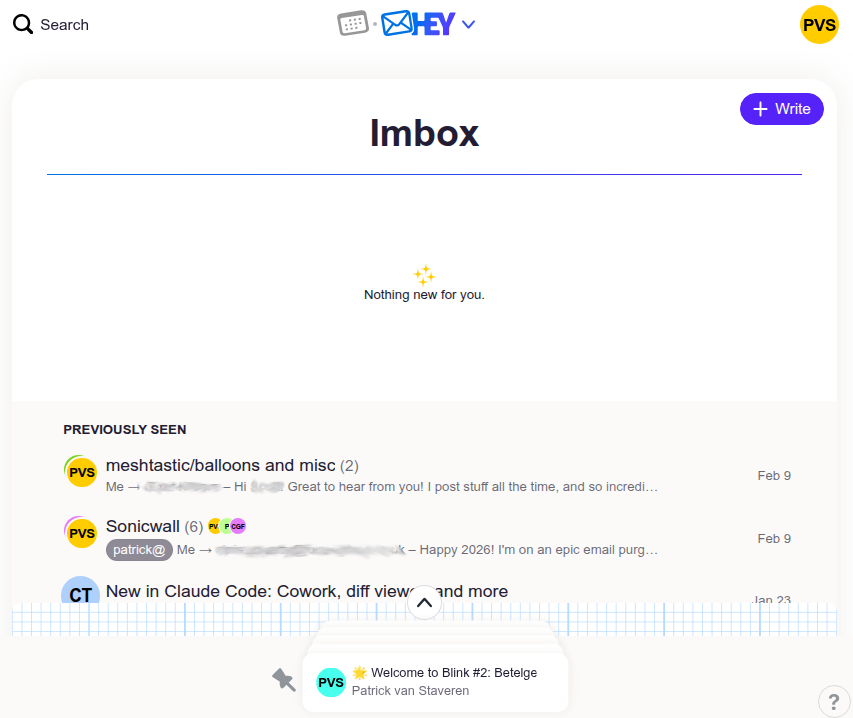
At first I was stoked! In fact I was, for about the first year. Main advantages:
- New senders didn’t make it to your inbox; they made it to basically a quarantine box for new senders which you had to whitelist. This is great! At first. Something hitting your inbox is a momentous occasion – a real person with something you want to read!
- Automatic filing boxes for “The Feed” (newsletter-type things that are optional to read) and “Paper Trail” (receipts, etc). These are great. Probably about 80% of email by count is one of these two; and having these as baked-in concepts keeps email simple.
- It’s on my domain!
- It’s different!
The not so nice:
- Offline never really worked. I don’t use it much, but I learned that if I wanted to use it offline, it wasn’t worth trying.
- Spam filtering is there but isn’t great. 1/3 of new senders were spam. While you can filter them out as spam, I found myself skimming a lot of spam to realize I was about to hit the “junk it” button.
- Plus addresses don’t work as you’d expect; if I want trick+blah@vanstaveren.us in my inbox, I have to go add it as an alias. Most of these ended up in the Catch All box, which I never looked at, because it’s full of junk.
- The calendar. There’s nothing wrong with taking a stab at your own calendar app, but manually copy/pasting Google Meet links from my free @gmail.com account into hey calendar made me crazy. The calendar also was not sharable with my spouse nor my DakBoard display screen in my kitchen, nor any general view on my mobile phone, so events in there lived and died in there. I kinda liked hey.com more without the calendar, because I would just forward invitations to my free @gmail.com account and deal with the confusion from there.
- What is this notes cover thing for? To stop me from getting distracted by all the email I’ve read, I guess? I literally wrote “ahoy” on a note on day 1 and never used it and was only ever annoyed to find the feature was still there and I’d accidentally clicked on it.
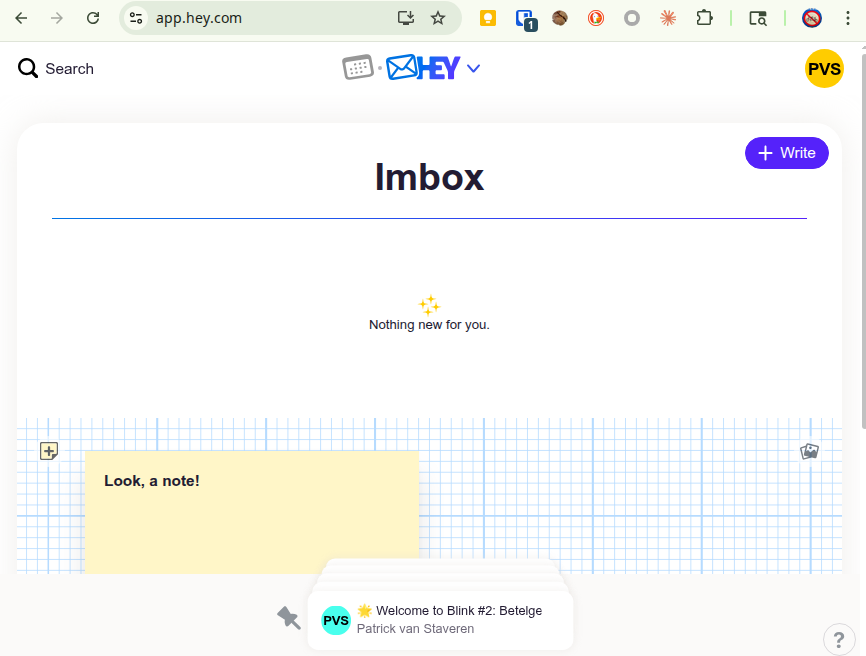
My inbox never actually looked this clean.
What really drove me away:
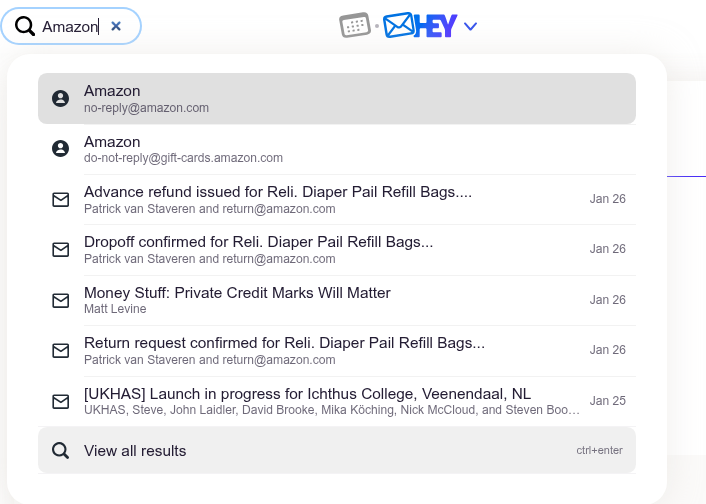
- The search. Keyword searching was awful because I get a lot of newsletters that go into The Feed and are full of every word ever. Don’t search for “QuickBooks” if you expect to find that email from a real human last week about QuickBooks because Money Stuff mentioned Intuit and QuickBooks half a dozen times in the last week, and that real human email is a page down or more. Mistakenly hit enter on the quick search pullout? You’re now reading the first, and wrong, email – not looking at a longer list of search results. Best bet? Search for the person who sent you the email and scan through it. This is faster.
- The iOS app supports notifications, but no red dot / bubble to show me an unread count. I’ve come to rely on this in my move to iOS. If I have something unread, it needs to show a red bubble. The app does not. (Why?!)
- Don’t try to reclassify a sender to go to The Feed if they start sending you junk – you’ll get lost in the maze of settings for what a sender is classified as. Did you know you can also classify an entire domain name? Of course you can! But you’ll forever confuse yourself with layers of settings for where stuff should land. It’s not intuitive. The end result? Often when junk landed in my inbox, I started to feel it was faster just to mark it as read and forget about the seconds I just lost, rather than losing minutes to figure out how to reclassify something. I knew I was going to move away from this email so I lost faith in the system that was supposed to save me time.
- Mailing list classification does not exist. I’m on a few Google Group-type mailing lists and writing a filter for these in any modern email client is a sinch; hey.com does not support them. You have to Yes/No the individual people you want to hear from. You can’t send them all to The Feed where they probably belong.
The end result? Email is annoying – it has been annoying for decades, but after a year on hey.com, it became annoying again. I just couldn’t get over some of this stuff. It took me another year to convince myself to migrate away.
This month I’ve done it – exported all my data, gone and re-started my Google Workspace subscription, and I’m finishing up the import now. My inbox has never been cleaner (it helps that OpenClaw is monitoring my inbox for me daily and suggesting junk filters I should add!)
</hey.com>
Thanks for all the fish.