
I follow the AI Daily Brief podcast and decided to take on their New Year’s challenge to complete an AI challenge/exercise each week as a way to learn different AI tools. For week one, “build a new years resolution tracker”, I went to my good friend Claude Code, but got ambitious – to code an iOS app.
Prior Work
I’ve been working on a few apps in the past year:
- Porting rdzSonde, a radiosonde on-the-go tracking app which talks to hardware, from Android to iOS
- A baby monitor app (coming – soon!)
- Now this!
Having done a bit of Android development over the years and being more of a Linux head, I’ve found the iOS learning curve to be a challenge, but I’m finally getting to grips with it. So while this is the second app I’ve side loaded to my iPhone, it’s a decent size jump for me.
Approach
My initial goal was to prompt Claude Code to take some of what I’ve spent tokens on before (a GitHub Actions workflow which builds an unsigned IPA package file, and a corresponding AltStore repository definition json to make it convenient for me to sideload and test). Get a “hello world” app working end to end, and then start building features. It went well! I wrote the original prompt for project framework on my laptop during a brief bit of free time between wrangling kids; almost all of the rest of this project continued with Claude Code in a SSH/Mosh session on my phone, nibbling away at it when I had time.
Step 1 – Initial Prompt
Here’s my initial prompt to build an iOS app, to use my baby monitor project Actions as examples, to build no features other than a hello world, and to produce an AltStore source json as a GitHub artifact.
This worked pretty well. This was my first time building specifications for AltStore so this required some trial and error which is not surprising. I steered the agent a bit with a decision to use React Native and played some back and forth with errors coming from AltStore. It’s fun to be able to push a git tag, wait for it to build, and refresh AltStore, walk by my Mac and lift the lid (so the signing AltServer is awake) and install the latest version.
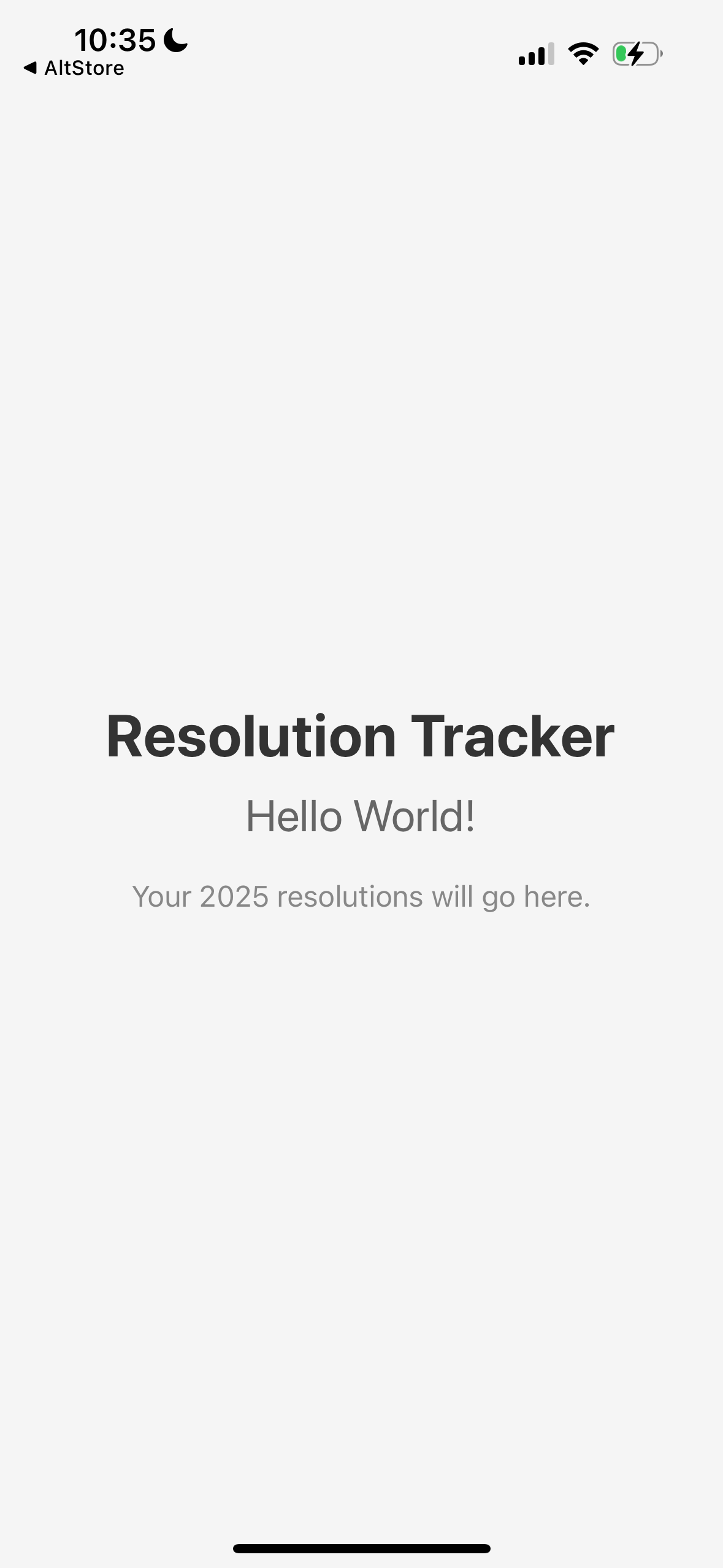
It worked!
Interesting stuff I learned along the way:
- Keep hitting Esc whenever you have something to say. Don’t just queue your message and wait for the agent to finish what it’s doing; this is Claude Code – it might work for minutes only for you to redirect what it just did. If you hit Esc on accident, just say “continue”, it’ll happily move on.
- Tailing build logs with Opus 4.5 on repeatedly failing builds with the Pro $20/month subscription is a great way to waste most of your tokens. Switch to Haiku (hit Esc and interrupt!) or better yet, ask the agent to build a quick script which tails the logs, waits for completion, and only returns when there’s something interesting to show.
- You can, in fact, never open a Mac to build apps for a Mac! This is not entirely true; I did have to lift the lid 30° to awake it so AltServer would run, but I never opened Xcode once.
Step 2 – the features prompt
I’m not kidding when I say I did this part from my phone, over SSH, with no autocorrect:
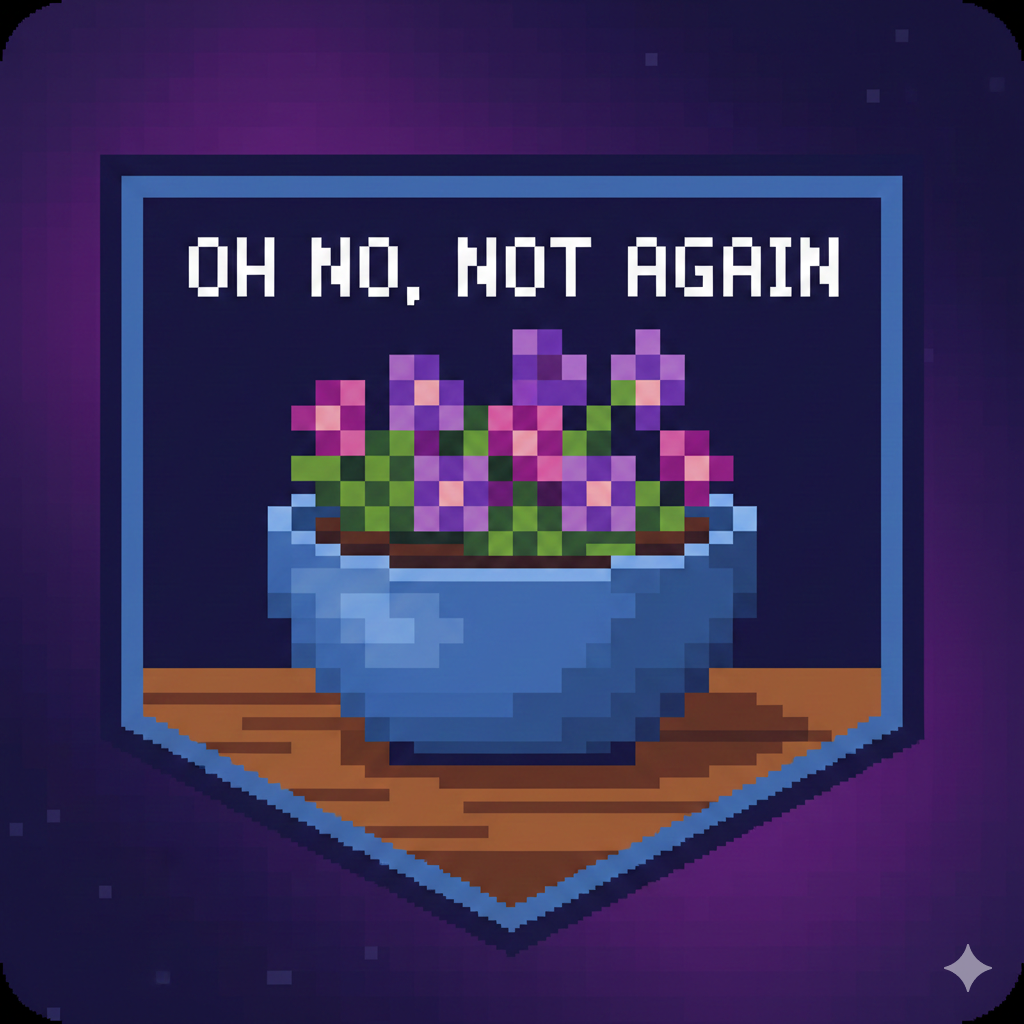
1) title and deacription; target date(s) for milestones if applicable…a resolution might have a single milestone. a simple checklist for each milestone and if all are conplete, confetti animation and the resolution gets crissed off. (2) progress: a journal entry log format. no expectation about how often; no promptijg the user, i may never use it. a single line question below the Resolution where you enter “Whats Next?” to ebcourage baby step thinking. user journey – list view of all resolutions, basic indicatioj of done/not done/ some milestones done, tap the resolution for details, show all milestones, recent journal entries, and the ability to edit. yes separate screen for creating a new resolution. (4) data – local. i dint know what AsyncStorage is but if thats your go-to its fine by me. use a data format that lets me make wild changes and keep some amount of data preserved as ling as the features for them are preserved. (5) screens: home screen eith list, resolution detail page which shiws Whats Next, list of milestones with checkboxes by them, and then journal entries for each; finally a resolution Edit page which shows a lot of the same stuff as in view mode but its all editable. vision; i expect to use this myself and for no one else, and jusr dir 2026. borrow some theme from my 42 project since im 42 this year (/home/trick/src/github.com/trickv/42) give it a HHGTG-inspired icon, maybe a pixelated bowl of petunias.
The actual transcript is here, but this is my one-shot explanation of features.
I’ve been using SSH from mobile devices for years and miss the days of my HTC Dream with it’s slide-out keyboard for accurate text input on SSH, but LLMs are incredible at understanding my typos so much that you can see I don’t bother to correct all kinds of ridiculous typos.
This yielded an…interesting result:
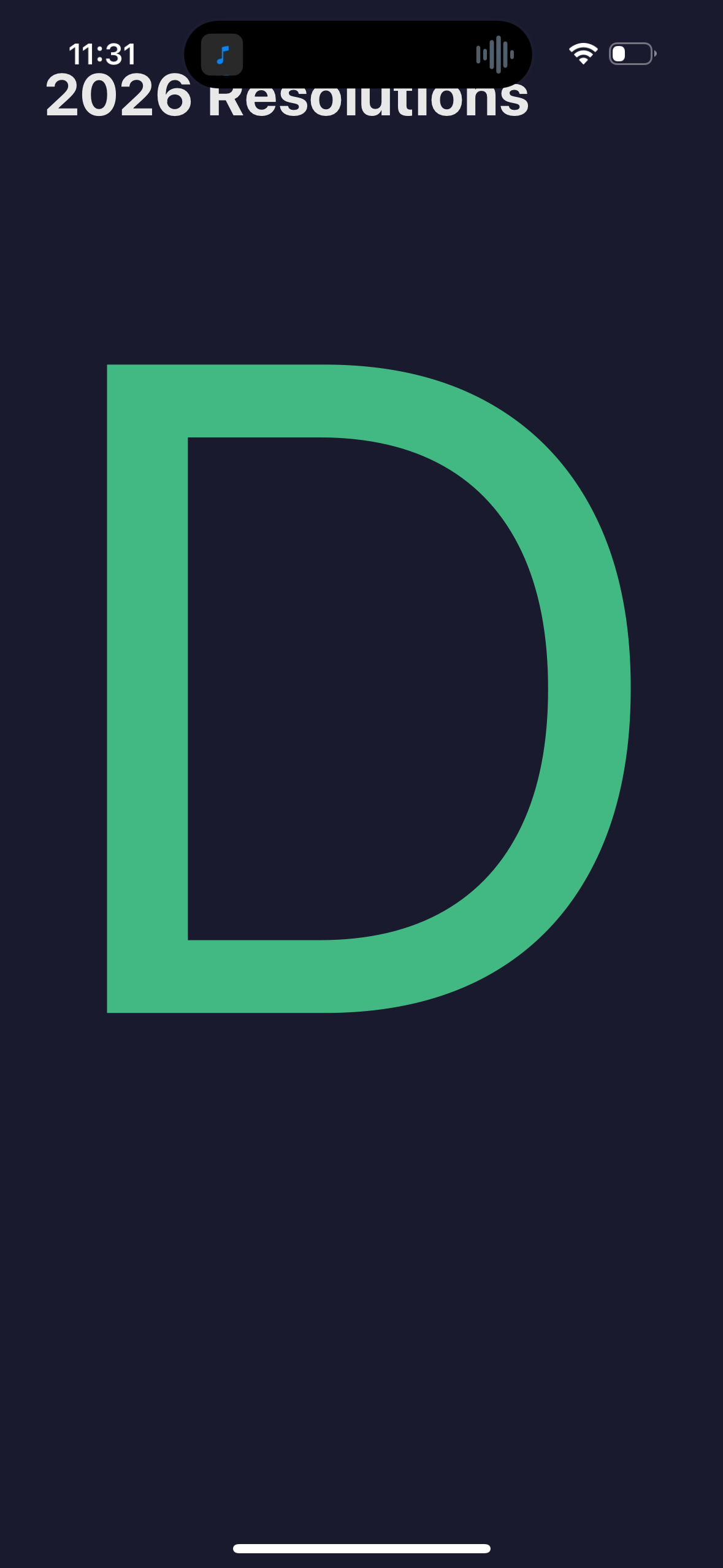
I got distracted working on the launcher icon and didn’t notice me running up against the five-hour session limit which I hit right as I was figuring out how to get a screenshot copied onto my dev host to show Claude Code. It’s terrible at handling the session limit; since it was half way through a task list, it spammed pages upon pages of /rate-limit-options before I hit Esc and went to bed.
Step 3 – the fix
The model was quick to find the issue, which was a font size issue, and et voila!
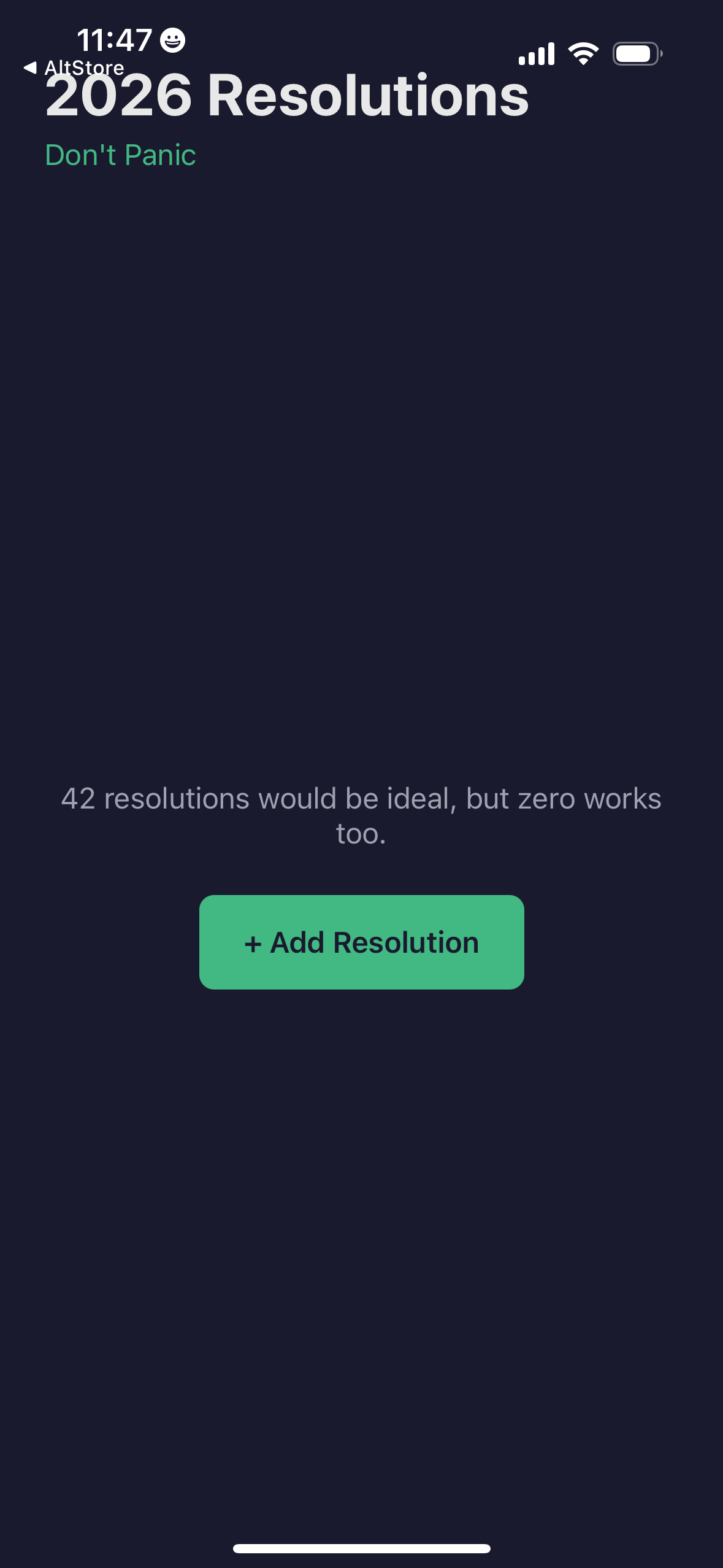
I also went over to Nano Banana Pro and followed on my HHGTG theme and came up with a bowl of petunias icon for the launcher:
Result
Check out the live demo:
I should be blown away – but actually, this all makes sense to me. It’s exciting, but it’s not surprising. Based on my experience in the past half year, that I can expect Claude Code to be this good. The only question is – what on earth to do with this capability?
Bugs I’ve Found
- The giant “D” font thing. Fixed.
- The “What’s Next” text input box had a bug where it was storing input immediately and causing the UI to glitch when I typed too fast. Fixed.
- There was no scrolling when the keyboard popped up. Easy enough to explain. Fixed.
What’s Next
This gives me more fuel on the fire to run with other mobile app development ideas. While this app isn’t a product worth much itself, the experience, and the open-sourced examples here are great for the next idea. Much like I borrowed from the Baby Monitor project repository for Github Actions configurations, I can now borrow from this project (which I did earlier today on rdzSonde – I borrowed a feature from this app!
Something Interesting
Writing down my New Years Resolutions in this app has made me think and set some personal goals for myself that I otherwise would not have. If nothing else, this little experience has helped me focus on some self improvement.
Got questions? Reach out – I love talking about this stuff. I work part-time as a freelance contractor and dad of three which means I love talking to adults.
Until next time – may your models be grounded, and your prompts be precise!
📧 Chasing AI: Get notified of new posts
Enter your email to be notified when I publish something new:
I’ll only email you about new blog posts. No spam.